
When it comes to maximizing your profits in the competitive world of eCommerce, employing smart upselling techniques is a game-changer. And with the best WooCommerce upsell plugin, you can entice your customers with irresistible offers, encourage higher spending, and enhance their overall shopping experience.
Best upsell plugins for WooCommerce are specifically designed to optimize your upselling efforts, creating a seamless and effective sales funnel that guides your customers towards upgraded products and additional purchases. This will result in an increase in sales and revenue.
In this blog, we’ll discover the top 7 WooCommerce upsell plugins that are guaranteed to drive remarkable success for your eCommerce store. From maximizing conversions to streamlining the upsell process at checkout, these plugins offer a range of features tailored to suit your specific needs. Let’s get started!
Increase sales and revenue naturally with WPLoyalty. Start implementing loyalty programs today!
What is an Upsell Plugin for WooCommerce?
An upsell plugin for WooCommerce is a powerful tool designed to enhance the sales process of your online store. The plugin allows you to offer upgraded or complementary products to your customers during their purchase.
You can provide upsell offers to customers based on their buying behavior, preferences, or the products they have added to their cart. The primary goal of an upsell plugin is to increase your average order value by encouraging customers to purchase higher-priced items or add-ons that complement their original purchase.
By strategically presenting relevant upsell offers, you can entice customers to upgrade their choices, resulting in increased sales revenue and profitability. WooCommerce one click upsell acts as a valuable asset to your eCommerce store, enabling you to optimize your upsell funnel.
Benefits of Upselling in WooCommerce
Upselling in WooCommerce offers several key benefits that can significantly impact the success and profitability of your eCommerce store. Here are some of the advantages of implementing upselling strategies:
Increased Revenue
The primary benefit of woocommerce one click upsell is the potential for increased revenue. By offering customers higher-priced or upgraded products, you can increase the average order value and boost your overall revenue. Upselling allows you to capitalize on the existing customer’s willingness to spend more and extract more value from each transaction.
Improved Customer Satisfaction
Upselling is not just about making more money; it’s also about enhancing the customer experience. When you present relevant upsell offers that genuinely benefit the customer, you show that you understand their needs and are committed to providing them with the best solutions. This can lead to increased customer satisfaction and loyalty, as they feel valued and well taken care of.
Enhanced Product Visibility
Upselling provides an opportunity to showcase a wider range of products or services that customers may not have been aware of initially. By suggesting complementary or upgraded items, you can educate customers about additional offerings, thereby increasing the visibility and exposure of your product catalog.
Cross-Selling Opportunities
Upselling often goes hand in hand with cross-selling. While upselling focuses on offering a higher-priced alternative, cross-selling involves suggesting related or complementary products that go well with the customer’s original purchase. This opens up additional revenue streams and improves sales.
Efficient Inventory Management
Upselling can help optimize your inventory management by promoting the sale of higher-margin or slower-moving products. By steering customers towards these items, you can reduce stock levels of certain products while increasing the sales volume of others, leading to better inventory turnover and profitability.
Competitive Advantage
Implementing effective upselling techniques can give you a competitive edge in the market. By providing personalized, tailored offers that meet customer needs, you differentiate yourself from competitors and position your store as a go-to destination for premium products and an exceptional shopping experience.
WPLoyalty is the best plugin that allows you to offer freebies and free shipping to your customers.
Best WooCommerce Upsell Plugins to Generate More Profits
The best WooCommerce upsell plugins offer various features and functionalities to help you generate more profits through strategic upselling. Let’s explore the best WooCommerce upsell plugins that can take your online store’s revenue to new heights:
1. UpsellWP – All-in-One WooCommerce Upsell Plugin
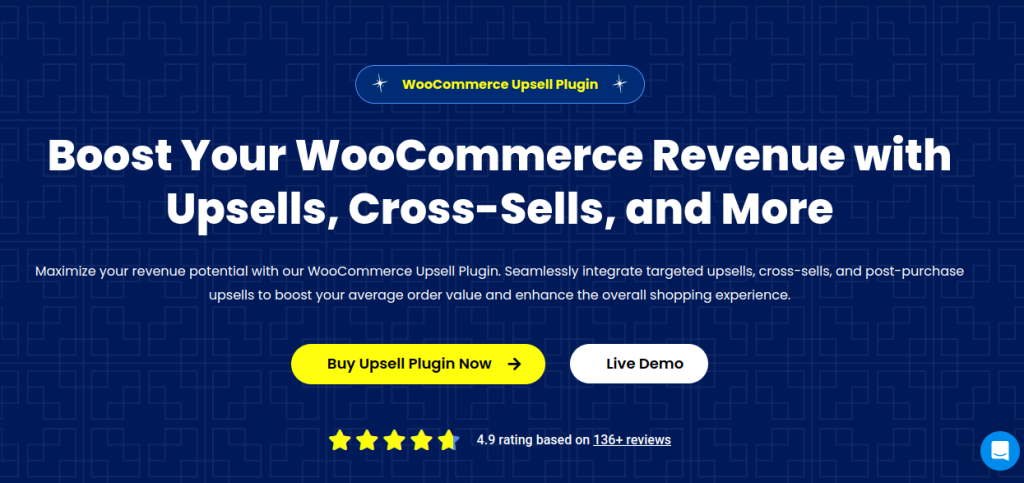
UpsellWP is the best WooCommerce upsell plugin that helps you to increase your store’s profits easily by offering both pre-purchase and post-purchase upsells at every step of a customer’s shopping journey.
With UpsellWP, you can effortlessly increase the average order value of your customers’ purchases, turning every sale into an opportunity for more revenue in just one click.
Moreover, the best part is that UpsellWP enhances your sales strategy by offering customizable upsell opportunities before and after purchase, tailored content and display locations, and strategic scheduling for promotions. Also, you can utilize A/B testing, set specific offer limits, and track performance with detailed analytics.
Designed for effortless integration, UpsellWP is the ideal WooCommerce upsell plugin crafted to maximize revenue with minimal effort.
Features:
- Checkout Upsells: Catch your customer’s attention with irresistible offers at checkout, encouraging them to add more to their purchase.
- Post-Purchase Upsells: Keep the momentum going by presenting appealing deals right after they’ve completed a purchase, making the most out of their buying mood.
- Frequently Bought Together: Show products that complement what they’re already buying, just like Amazon, making it easy for customers to grab what they need in one go.
- Smart Product Recommendations: Our clever system suggests items that each customer will love, personalizing their shopping experience and boosting your sales.
- Cart Upsells: Entice customers to add more to their carts with targeted upsells before they check out, increasing their order size without any hassle.
- Thank You Upsells: Use the thank you page as a golden opportunity to offer special deals, encouraging customers to come back for more.
- Cross-Sell Offers: Suggest related products across your site to enrich the shopping experience, helping customers find everything they need and more.
- Double the Order: Allow customers to double their order of favorite products with just one click, perfect for top sellers or must-haves.
- Cart Add-Ons: Recommend small add-ons at the cart stage to complement the main purchase, enhancing the overall value.
- Product Add-Ons: Give customers the option to customize their products or add premium features, increasing satisfaction and order value.
- Next Order Coupons: Reward customers with discounts on their next purchase, ensuring they return to your store.
2. Post Purchase Upsell and Order Bump for WooCommerce
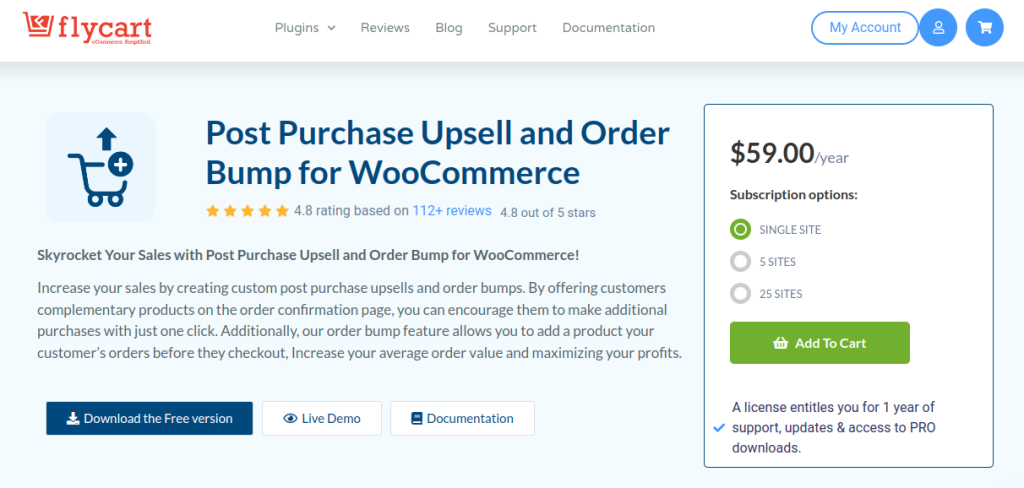
Post Purchase Upsell and Order Bump for WooCommerce is a powerful Upsell Plugin that can increase your store’s profit easily. The plugin lets you offer both pre-purchase and post-purchase upsell with which you can effortlessly increase the average order value of your customer’s purchase. Customers can add their upsell offers to their cart in just a single click without any redirection of the page.
This must-have Upsell Plugin allows you to schedule the Upsell Campaigns which creates a sense of urgency and encourages customers to purchase quickly. You can have different discount types like percentage discount, fixed discounts, free products or you can just show the product without any discounts for a promotion. Moreover these discounts can be filtered based on product, category, cart subtotal, and cart items.
Use this plugin and give an enjoyable shopping experience for your customers, earn customer loyalty and increase your store’s revenue.
Features:
- Use ready-made Upsell Templates to create offers.
- customize page content and add images.
- Decide where you want to showcase the product on checkout page
- Prioritize and show only selected offers to your customers.
- Track and monitor the campaigns.
- Set offer limits or usage limits.
3. Checkout Upsell Funnel for WooCommerce
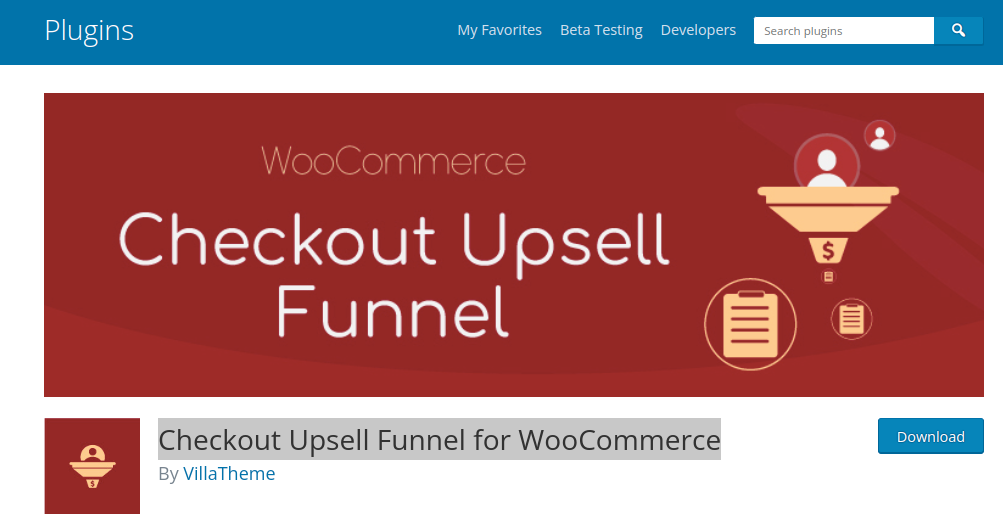
WooCommerce checkout upsell funnel is another best upsell plugin for WooCommerce. On the checkout page, you can offer customers product suggestions and WooCommerce order bumps with enticing discounts.
The upsell plugin allows you to show suggested products to customers on the checkout page without disrupting their checkout process. Additionally, when the customers click on the place order button, the plugin automatically suggests products. This will naturally increase sales and help you generate more traffic.
Features:
- Display order suggestion pop up on the checkout page
- Set up specific time to display the products
- Add price and discounts to the upsell products
- Easily customize the layout, content, title, product list and icons of the Checkout funnel.
- Set up countdown timer on checkout funnel
- Set up various conditions for the upsell products
4. Upsell Order Bump Offer for WooCommerce
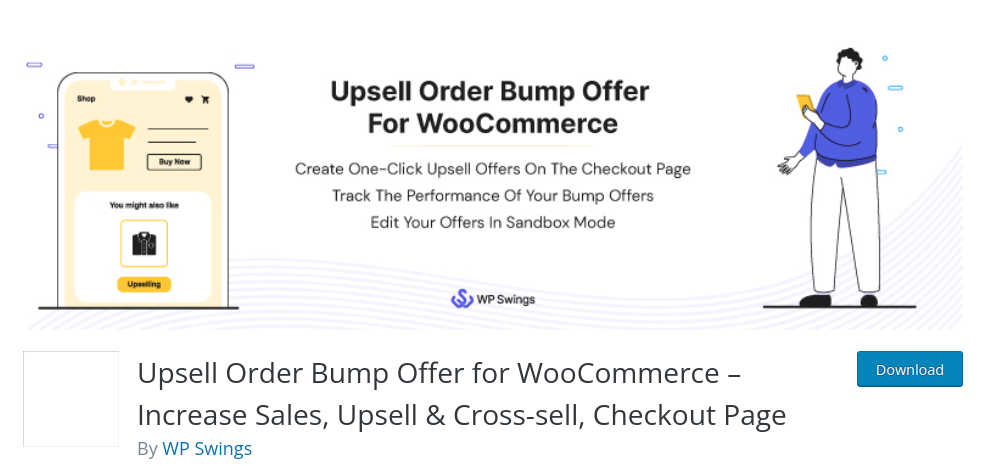
Upsell Order Bump Offer for WooCommerce is an upselling plugin that allows store owners to offer exclusive upsell and cross-sell offers on their checkout page. This will enhance conversion, average order value and generate more traffic. In a simple click, the offer is added to the customer’s existing order.
The order bump plugin allows you to offer exclusive timed offers as a checkout upsell bump. This will motivate customers to use the offer before it expires which will increase sales. The WooCommerce upsell popup feature allows you to display the sales pop-up screen of the product image or title at the checkout page.
Features:
- Create unique upsell and cross-sell offers on the checkout page.
- Create a responsive offer design that is tailored to your products.
- Schedule your bump offers for specific dates.
- Use the Sandbox mode, to customize your offers.
- Skip bump offers if the offer product is already in the cart.
- Order Bump Sales Reports and Behavioural Analytics let you track the performance of order bumps.
5. Funnel Builder for WordPress
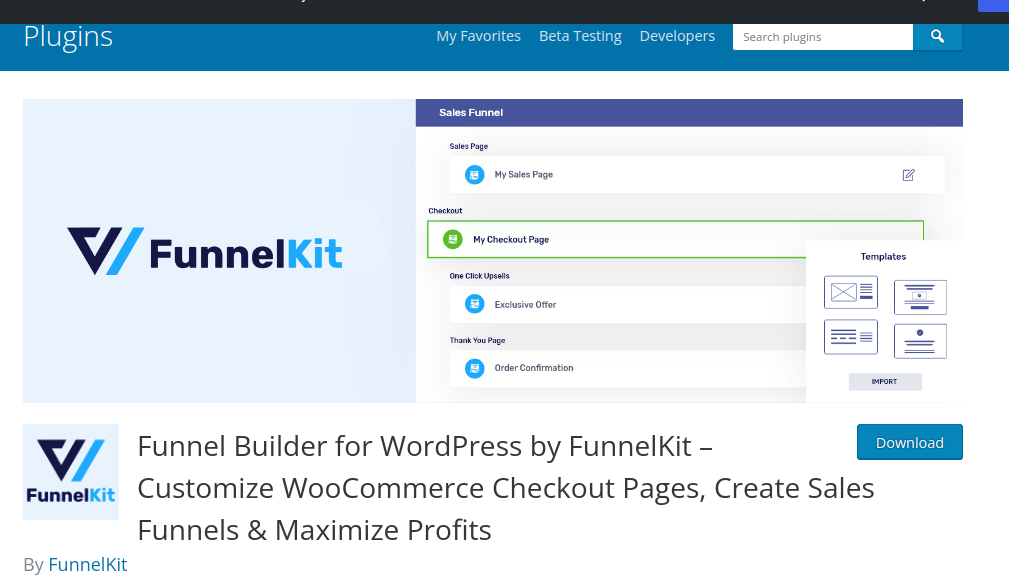
Funnel builder for WordPress is another popular WooCommerce Upsell plugin. With this funnel builder, you can create seamless checkout pages, sales funnels & thank you pages. With order bumps and one-click upsells you can easily increase your average order value.
With this funnel builder, your checkout does not have to be limited in showing a single product. You can add various products and enable customers to choose one or more from the list. This will help you increase the cart value of your customers which leads to increase in revenue.
Features:
- Create rule-based upsells deliver offers depending on the item(s) purchased, payment gateway and other factors.
- Pre-built mobile-responsive one-click upsell offer page templates for Elementor.
- Variable Offers Paths for linking one offer to another and displaying offers based on the acceptance of the previous offer.
- Create multiple upsell offers on a single page
- Charge a shipping fee separately on the upsell goods.
6. WooCommerce Product Bundles
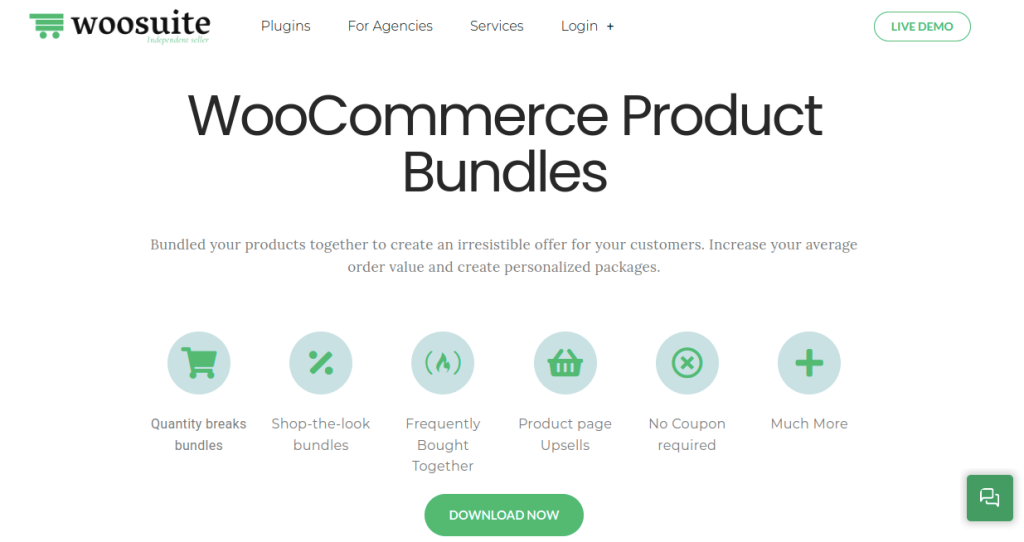
Best upsell for WooCommerce is the perfect way to increase your average order value and personalize your products. You can easily combine products to provide an attractive offer to your customers. Without spending any extra cost on customer development, you can get amazing results.
Allow customers to choose the variation of the product to include in the bundle. This will increase customer engagement and help you generate more profits. This volume based discount is the best way to get a higher conversion rate.
Features:
- Directly promote the particular product bundle on the product page.
- When a customer buys a bundle, the quantity of the individual products is immediately reduced by the amount that is needed.
- Depending on the user group, you can create multiple package price points.
- Customize the purchasing experience by suggesting products that are frequently bought.
- You have the option of displaying the bundle products individually or as a group.
7. Best Upsell for WooCommerce
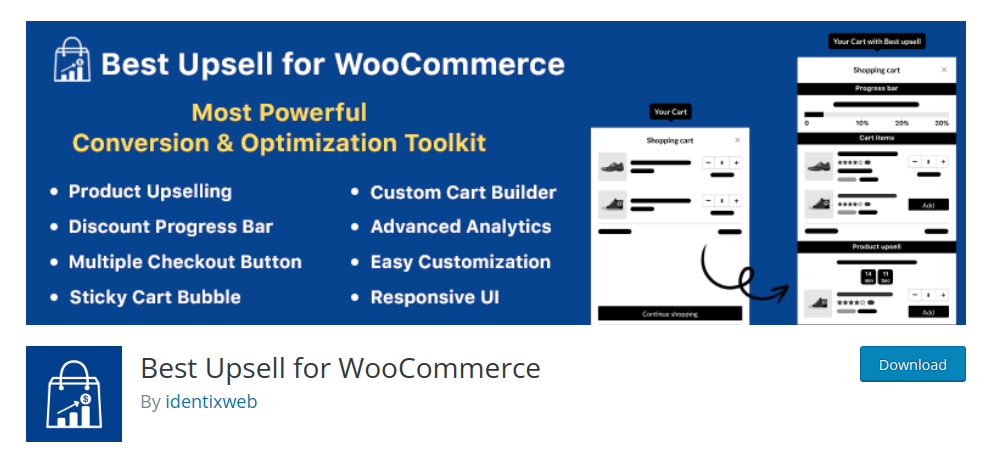
This Best Upsell Plugin for WooCommerce is the all-in-one plugin for Upselling and cross selling. With this plugin, you can boost your conversion rate and provide exciting deals and offers to your customers. This is the only plugin to provide a side cart drawer with full cart upsell.
This best WooCommerce upsell plugin helps you to increase sales and average order value by allowing you to make bump sales. You can add various products for upselling and display it to your customers by placing it in the various places of your customer’s cart.
Features:
- Add several product upsells into the Cart Items and Checkout widgets.
- Put numerous Checkout buttons with product upsells.
- Allow customers to enter coupon or discount codes in their shopping carts.
- In the cart upsell, provide several discount offers.
- Exclude products based on their product tags.
- On product upsell, provide a percentage or fixed amount discount.
If you’d like a solution that works on other website platforms, too (besides Woocommerce), then check this list of popup tools.
8. Woocommerce Upsell Popup PRO
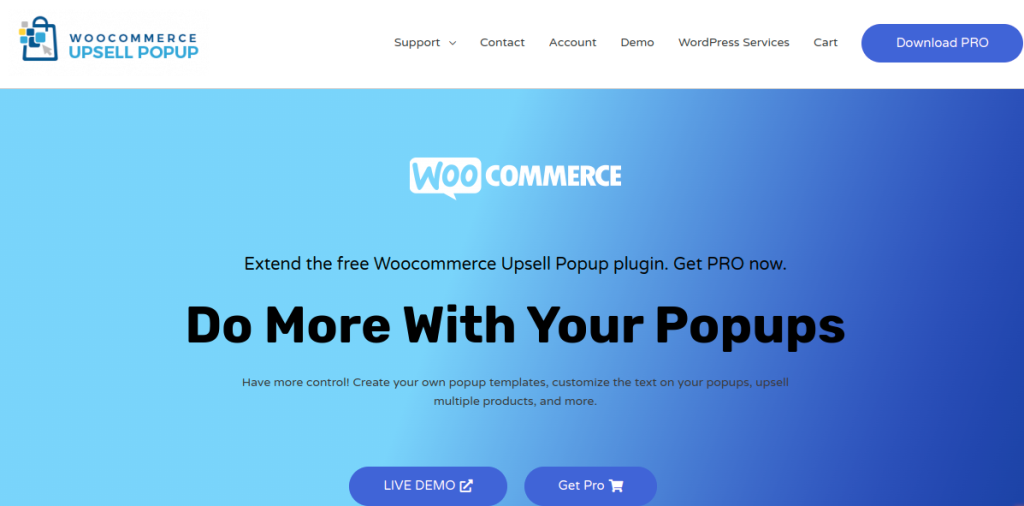
WooCommerce upsell pop pro is an amazing plugin that allows you to create your own pop layouts, change the text in your popups, upsell several goods, and much more. This way of customizing your popup plugin increases customer engagement and customer lifetime value.
With WooCommerce upsell popup pro edition, you can display multiple products and give customers various choices and preferences. If you don’t like the default popup templates that come with the plugin, you can use the PRO version to build your own.
Features:
- Make as many custom templates as you like.
- You can simply edit the button wording in your popup template.
- By clicking buttons, you can easily add product info to your template.
- Display a beautiful image of the whole set to encourage your consumer to finish their collection.
- Change the wording on the default popup template.
Which is the Best WooCommerce Upsell Plugin for your store?
There are several WooCommerce upsell plugins available, each with its own set of features and capabilities. While determining the “best” plugin depends on your specific needs and preferences, but still we can suggest a popular and highly regarded option:
One of the best WooCommerce upsell plugins is “Post Purchase Upsell and Order Bump for WooCommerce.”
- It offers various upselling techniques to help increase your average order value and maximize revenue.
- Allows you to create personalized upsell and cross-sell offers based on user role, cart subtotal, and cart items.
- Display the upsell offers on the checkout page or in the offer page before checkout.
- Offer percentage discount, fixed price discount or free products.
- Provides a range of customization options, such as creating scheduling offers for specific periods or setting usage limits.
- Integrates seamlessly with WooCommerce, ensuring a smooth user experience for both you and your customers.
Remember to explore different plugins, read user reviews, and compare their features to find the one that aligns best with your specific requirements and business goals.
Note: You can also use loyalty plugins like WPLoyalty and reward customers for every action they make at your store. For instance, you can reward them with points or discounts for making a purchase, referring a friend, signing up to your store, following you on social media and much more.
Use WPLoyalty and reward your customers for every single purchase. Increase sales and revenue in no-time.
Conclusion
Leveraging upselling strategies is an effective way to boost your WooCommerce store’s profits. By implementing the right upsell plugin WooCommerce, you can enhance the shopping experience for your customers while maximizing your revenue potential. We’ve explored seven best WooCommerce upsell plugins in this blog, each offering unique features and capabilities to help you drive more sales.
Remember, finding the best upsell plugin for your store ultimately depends on your business objectives and preferences. Consider the features, user reviews, and compatibility with your WooCommerce setup to make an informed decision.
So, go ahead and choose the best upsell plugin for woocommerce that aligns with your goals. Start implementing upselling strategies to generate more profits, increase customer satisfaction, and take your online store to new heights of success.
Learn more about 10 Best WordPress Security Plugins To Protect Your Site, 10 Best WooCommerce Product Recommendation Plugins and 10 Best WooCommerce Popup Plugins To Boost Sales.
Frequently Asked Questions
In WooCommerce, upselling and cross-selling techniques are used to increase sales, but they differ in their approach. Upselling involves offering customers a higher-priced or upgraded version of the product they are interested in. On the other hand, cross-selling suggests related or complementary products that complement the customer’s purchase.
The purpose of upselling is to encourage customers to spend more by persuading them to purchase a higher-priced product or add-ons that enhance their original purchase. It not only increases the average order value but also helps maximize revenue and customer satisfaction.
The two main goals of upselling are to increase the value of a customer’s purchase by promoting higher-priced products or upgrades and to enhance the overall customer experience. Upselling aims to strike a balance between boosting revenue and providing added value to customers.
To start upselling, begin by analyzing your product offerings and identifying opportunities for upselling. Understand your customers’ needs and preferences to determine which products or upgrades would be most appealing. Then, implement an upsell strategy by using a WooCommerce upsell plugin, such as the ones mentioned in this blog, to create targeted offers and optimize the upselling process. Monitor the results and make adjustments as necessary to improve your upselling efforts over time.

